








|

SOURCEWHALE MCP

Connect SourceWhale to the AI tools you already use

Get caught up, find what you need and take the next step without filling in the backstory every time.

|

AGENTIC RECRUITING SOFTWARE

Trusted by thousands of recruitment agencies
The SourceWhale MCP
The connector that brings the candidates, clients, roles and conversations already in SourceWhale into the AI tools you already use.
A familiar problem

AI only knows what you tell it

Many recruiters are already using AI to move faster. But when every question requires a full context recap, the admin hasn’t disappeared. It’s just moved into the prompt.

Every question starts with a backstory

Before AI can help, you’re sharing resumes, pulling up the latest notes and filling it in on what happened last time. The more context the job needs, the more work you’re doing upfront.

Your day moves on. Your AI doesn’t

Candidates reply, briefs change and priorities shift. If your AI isn’t connected to where the work is happening, it falls behind as soon as something changes.

The full picture is spread across your tools

Preparing for a client meeting or building a report can mean combining SourceWhale history with vacancies, company news or figures from elsewhere. Without a connection, you’re still bringing it all together by hand.

HOW IT WORKS

Ask SourceWhale from the AI tool you already use

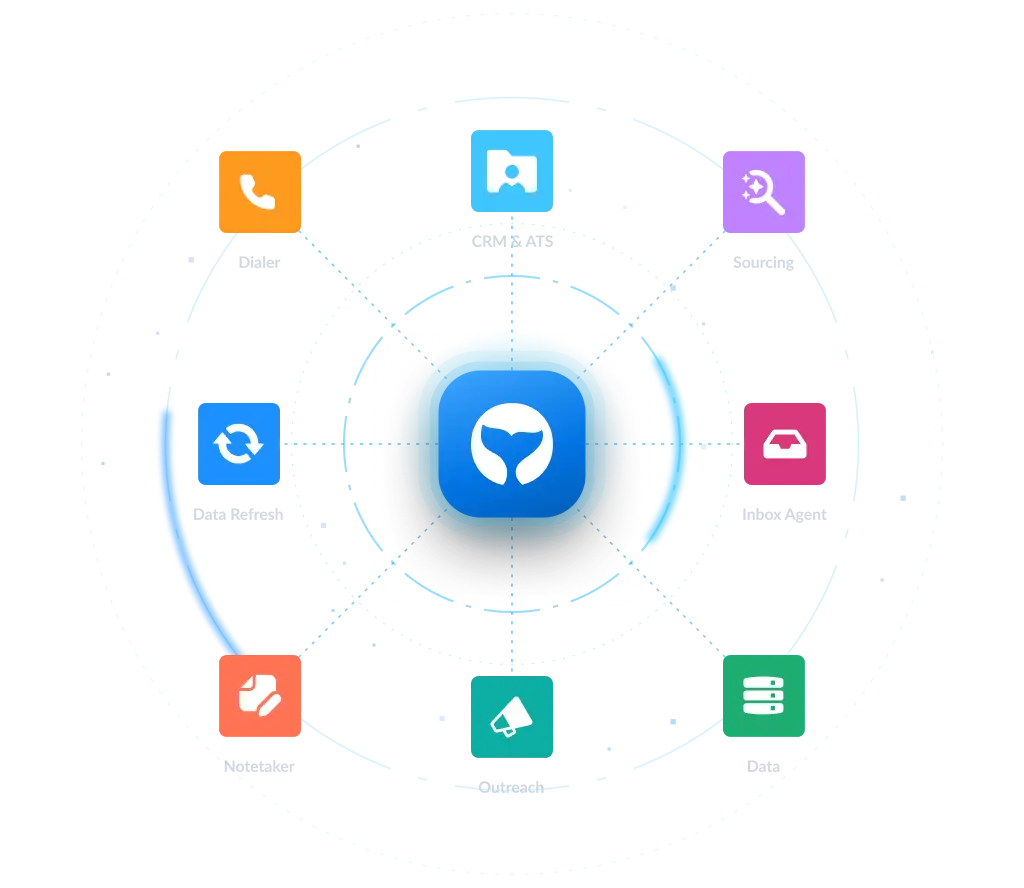
SourceWhale’s MCP lets your AI work with what’s already in SourceWhale. No filling in the backstory every time. Just ask, find and act.

Ask

Get up to speed fast

Ask about a candidate, client or role and get the relevant history from SourceWhale.

Find

Surface the detail you need

Search across calls, meetings, notes and resumes to find a person or detail, even if it was never added to a field.

Act

Put that context to work

Use what SourceWhale knows in the brief, deck or workflow you’re building, or make supported updates back in SourceWhale.
PUT IT TO WORK

Start with what needs your attention

On the move

Check the latest before you’re back at your desk

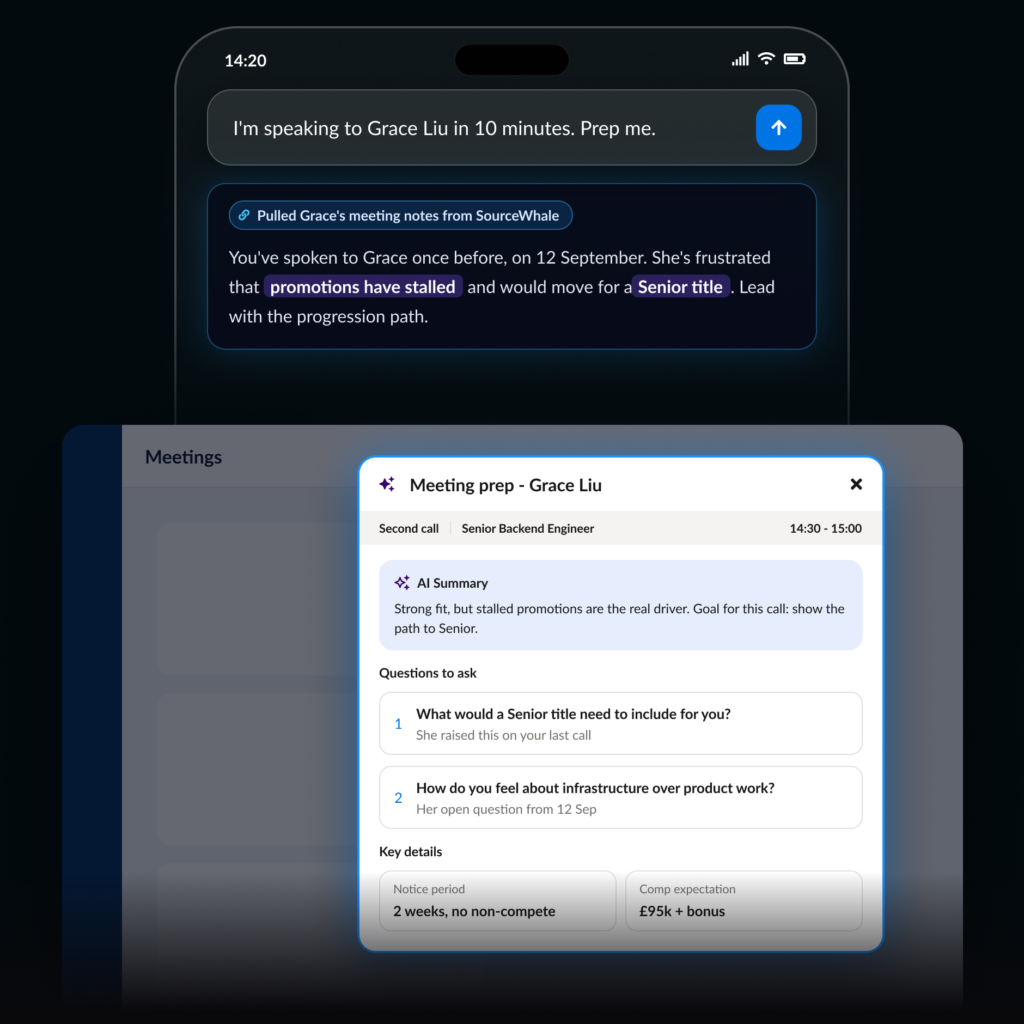
The same SourceWhale context is available through Claude and ChatGPT on mobile, so you can get up to speed before the next conversation.

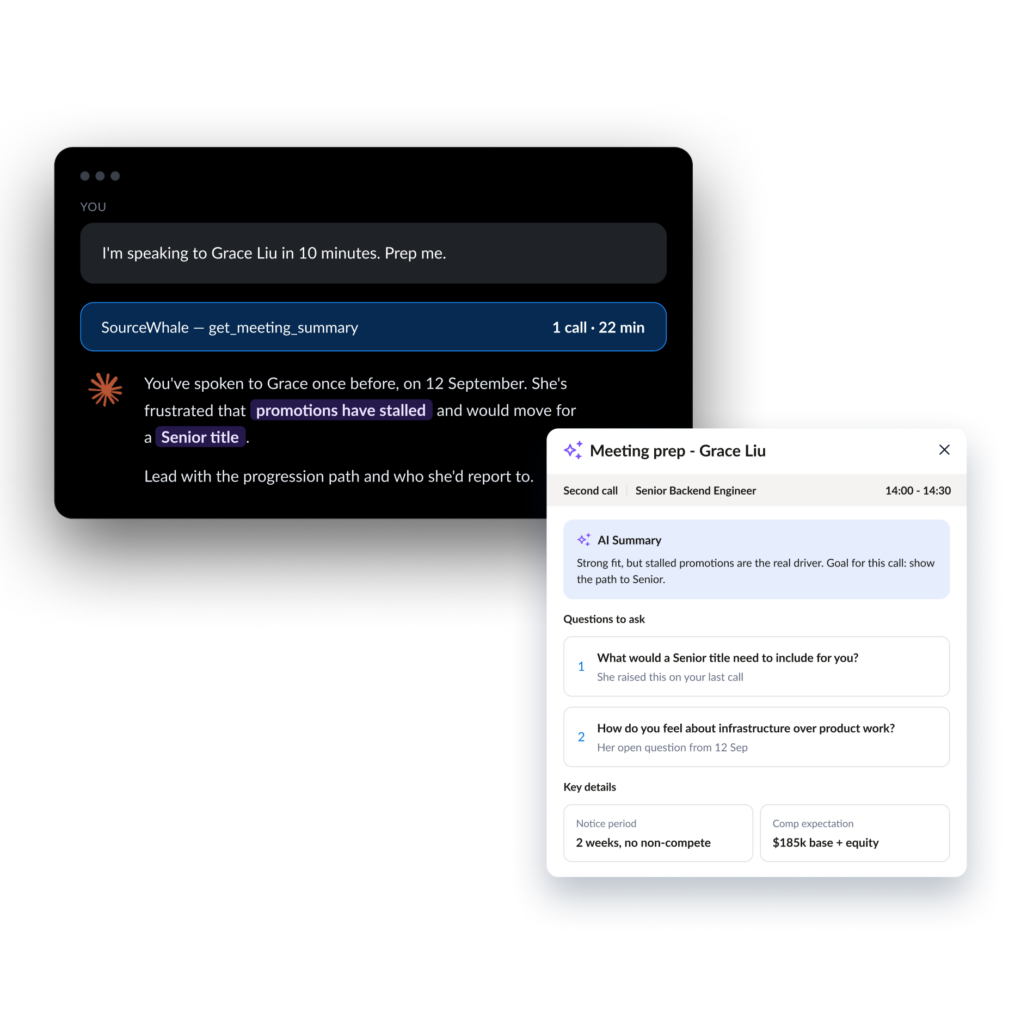
“I’m speaking to Grace Liu in 10 minutes. Prep me.”

Across your tools

Build from more than one source

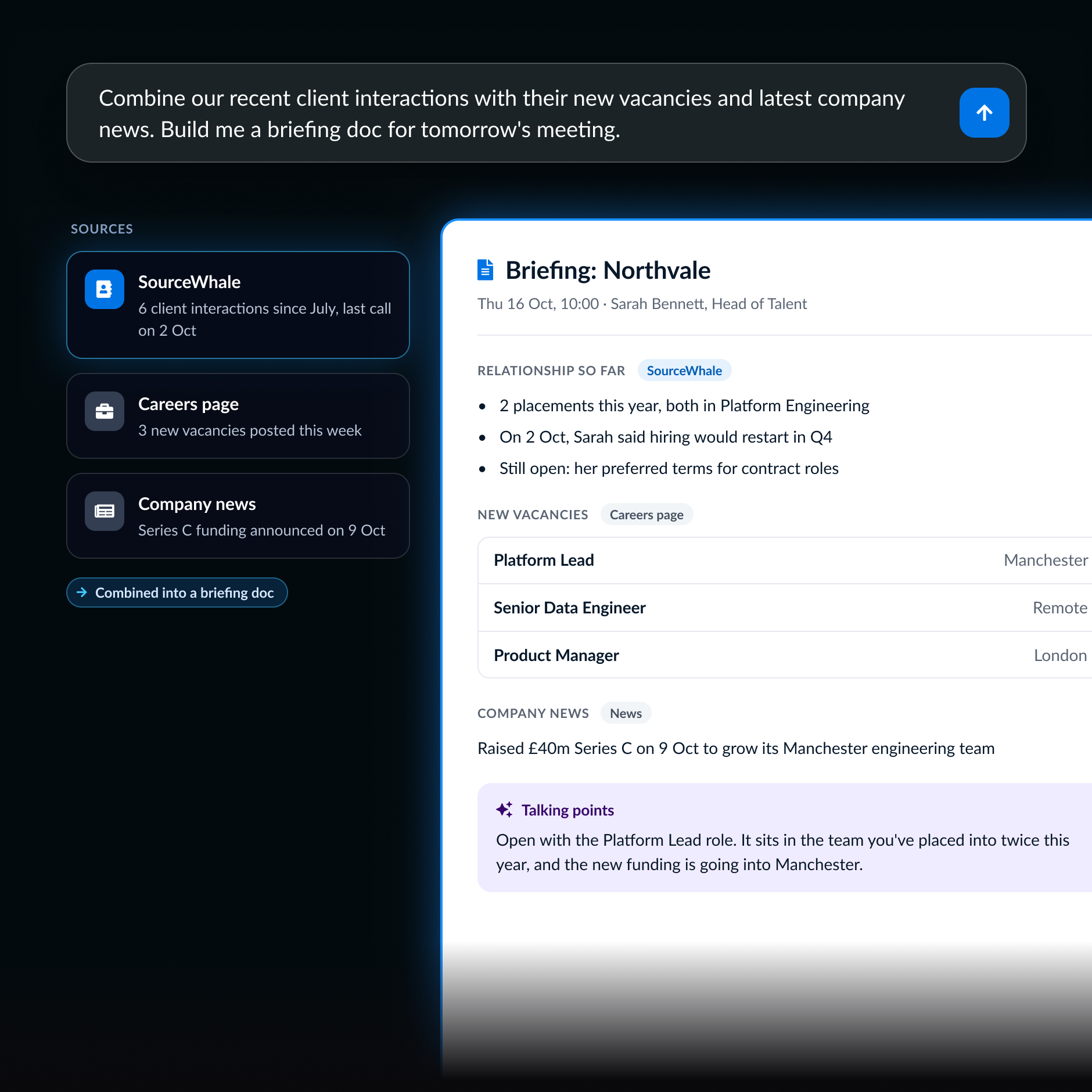
SourceWhale provides the relationship history, while your AI pulls the rest together into something you can use straight away.

“Combine our recent client interactions with their new vacancies and latest company news. Build me a briefing doc for tomorrow’s meeting.”

Ready to share

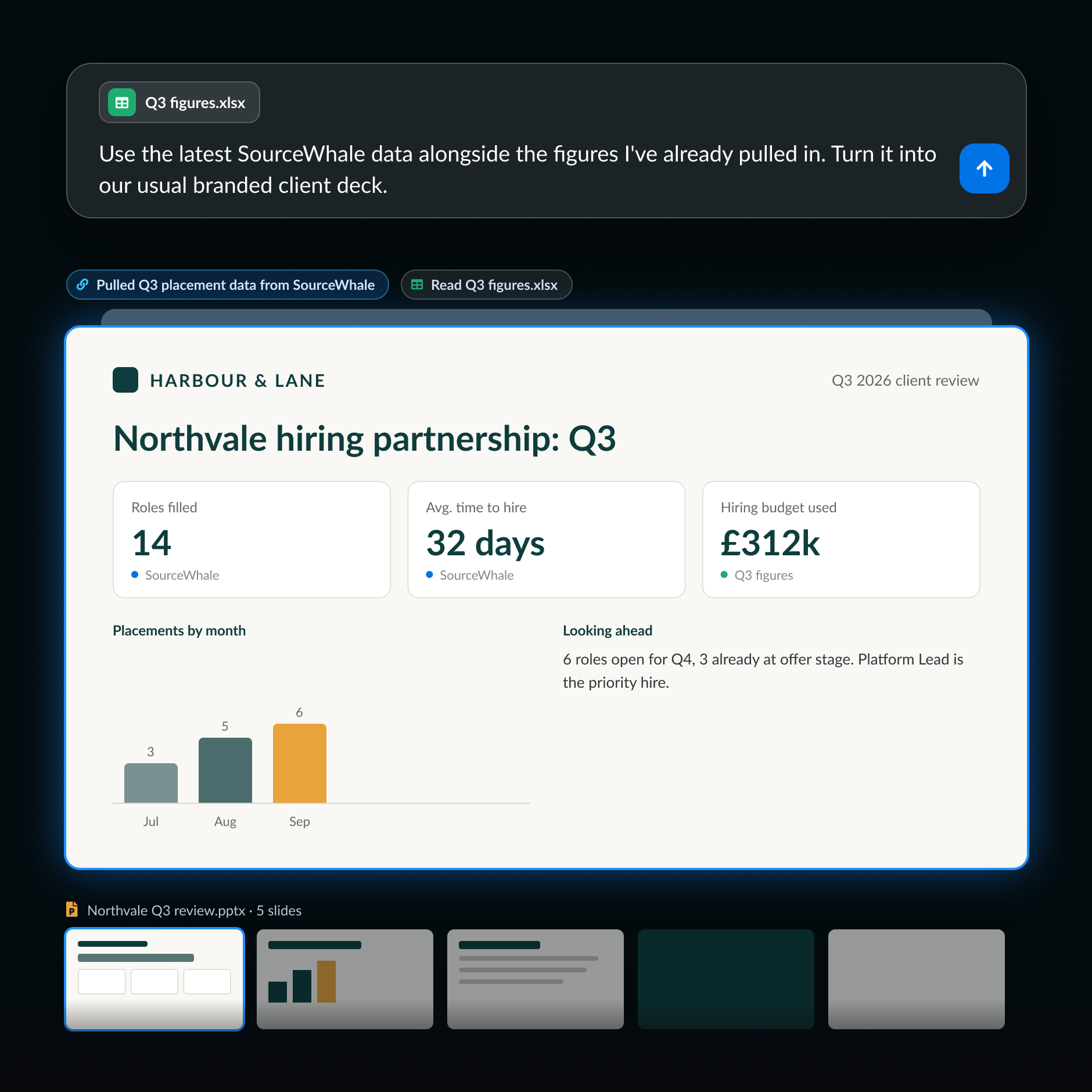
Turn SourceWhale data into the deck you need

Instead of exporting the data and rebuilding it elsewhere, bring SourceWhale straight into the client deck, report or Board Pack your team already uses.

“Use the latest SourceWhale data alongside the figures I’ve already pulled in. Turn it into our usual branded client deck.”

From the conversation

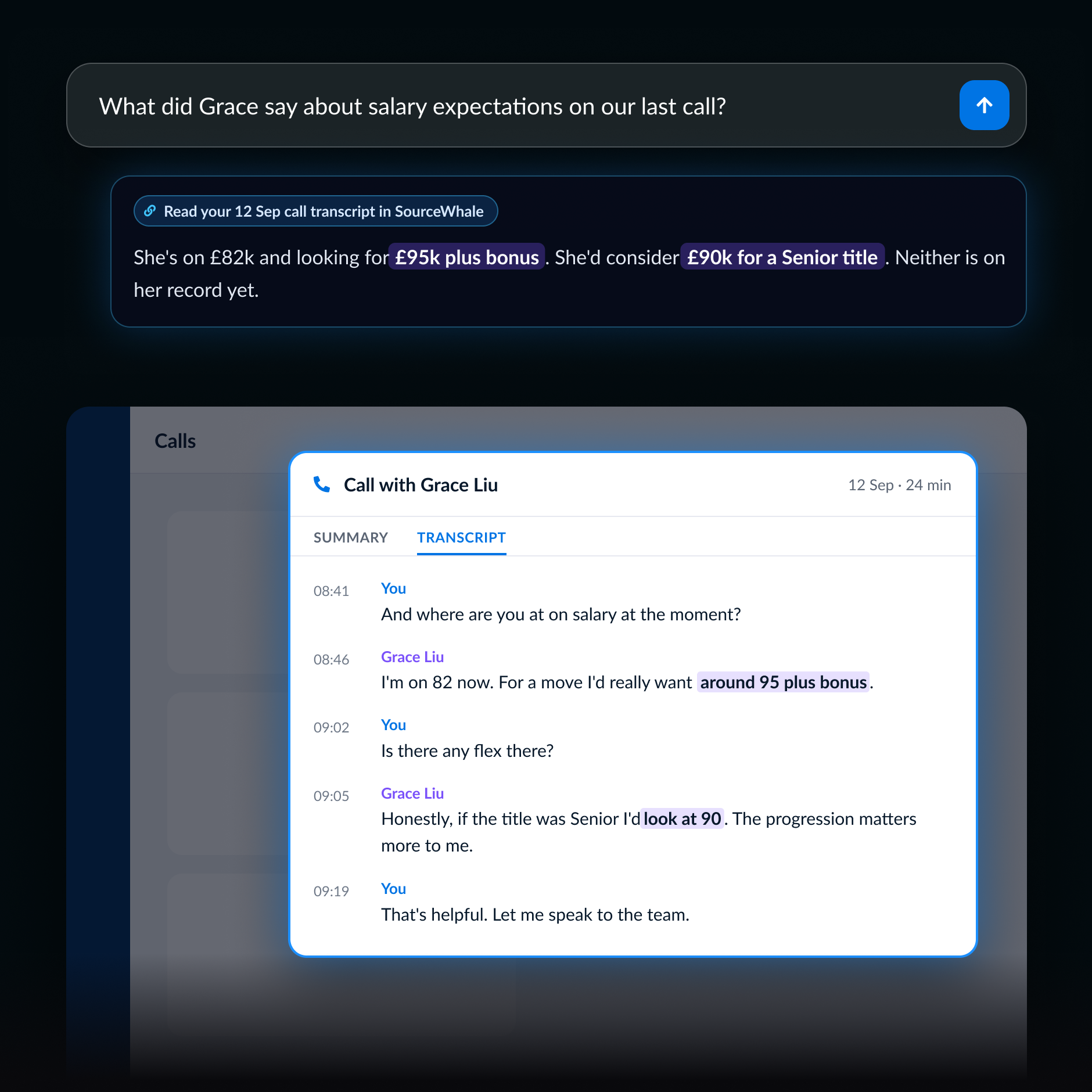
What never made it into a field

Your AI can go back to the conversation itself, not just the information someone remembered to add to the record.

“What did Grace say about salary expectations on our last call?”

WHY SOURCEWHALE

The answer isn’t always sitting in a field

AI tools are only as useful as the information they can access.

The detail you need might have been mentioned once on a phone call, buried in a meeting or sitting in a resume.

SourceWhale keeps that information connected to the right person or role, including full call transcripts, so your AI can go back to what was actually said or written, not just what someone remembered to put in a field.

WORK YOUR WAY

Choose where you work with AI

Not every recruiter wants to use AI the same way. SourceWhale gives you different ways in without changing the platform underneath.

MCP - Work from the AI tool you already use

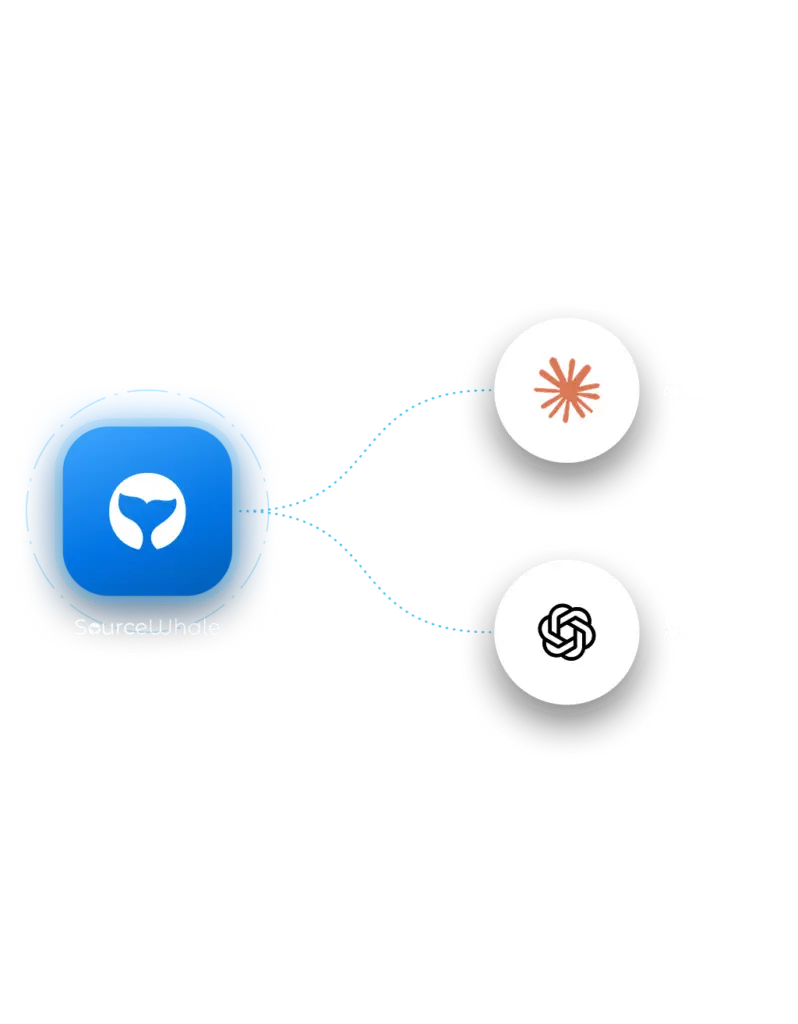
Use SourceWhale from MCP-compatible tools like Claude, ChatGPT when you want to combine it with other information, create a custom deck or brief, or work from your phone.

SourceWhale Agent - Let SourceWhale run the recruitment workflow

Use the Agent for the day-to-day recruitment work SourceWhale can handle directly inside the platform.

BUILT FOR TRUST
Connect your AI without opening up your data
Your recruitment data already has rules around who can see what. Connecting SourceWhale through the MCP won’t change that.
Sign in with SourceWhale

No new credentials to manage

Each person connects using their own SourceWhale account rather than sharing passwords or access keys.

Your permissions still apply

The same access rules follow you

Your AI tool can work with the SourceWhale information that person is already allowed to access. Connecting through the MCP doesn’t bypass the permissions already in place.

Certified. Compliant. Confidential.

You’re handling sensitive candidate and client data every day. SourceWhale is built with security and compliance at its core.
CCPA
GDPR
SOC 2 TYPE 2
ISO 27001
TRUSTe

Frequently Asked Questions

SourceWhale’s MCP lets compatible AI tools work with SourceWhale from a normal conversation. You can ask questions, find information and take available actions without copying everything across first. MCP stands for Model Context Protocol.
SourceWhale’s MCP works with Claude, ChatGPT and other MCP-compatible tools.

You can use SourceWhale context from Claude, ChatGPT or other compatible AI tools to look up candidates and clients, work while you’re away from your desk, combine SourceWhale with information from other sources, and create things such as meeting briefs, reports or branded decks. Where supported, your AI can also take actions back in SourceWhale.

SourceWhale’s MCP can work with information including contact and company records, custom fields, calls, meetings, notes and resumes. What each person can access still depends on their existing SourceWhale permissions.
Yes. SourceWhale’s MCP can take available actions as well as find information.
Yes. SourceWhale keeps the full transcript of captured phone calls, so your AI can work from what was actually said rather than only the information someone later added to a field or note.
No. Each person connects using their own SourceWhale account, and their existing permissions still apply. The MCP doesn’t give someone access to information they couldn’t already see in SourceWhale.

Connect SourceWhale from an MCP-compatible AI tool and sign in with your SourceWhale account to authorize the connection. Follow our setup guide here for a quick setup.

Yes. When your AI tool also has access to apps such as your email, documents or task manager, SourceWhale can provide the recruitment context while those other apps handle their part of the workflow. For example, you could pull information from a SourceWhale call, use it to draft a follow-up email and create the next task from the same conversation.